
Bible verse widgets for Android
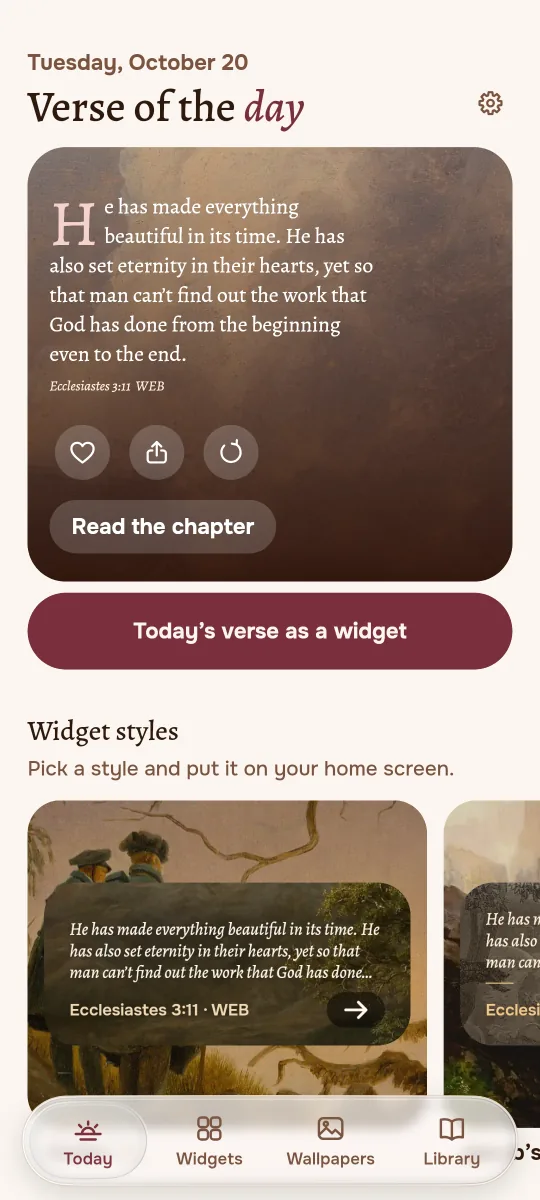
A verse to start your day
Jubilate puts one Bible verse on your home screen every morning, set on a landscape, an icon or a great painting. No ads, no account, and reading works offline.
- No ads
- No account
- Works offline
- English and Russian

This is the day which the LORD hath made; we will rejoice and be glad in it.
Psalm 118:24, King James Version
One verse, every morning
Choose topics for how you feel, from anxiety to courage. Jubilate keeps the next verses ready on your phone, so the widget is never an empty box, even with no connection.
Widgets that belong on your home screen
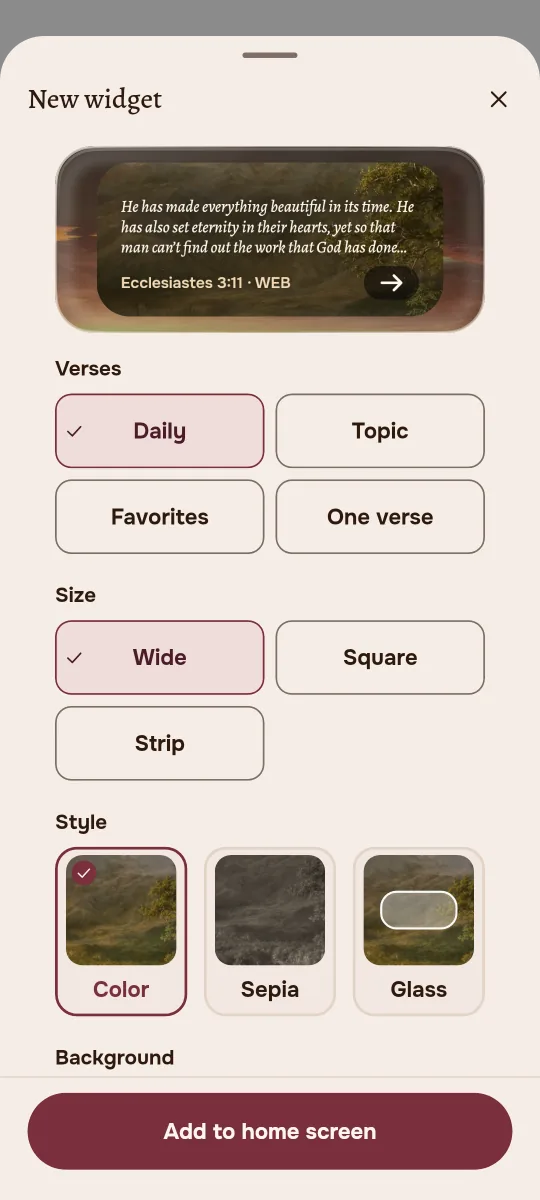
A new verse each morning, from your topics, your favorites or one verse you want to keep in view.
- Three sizes: 2x2, 4x1 and 4x2, which stretches up to 4x4
- Designs on paintings, warm sepia, or Glass that lets your wallpaper show through
- Tap the widget to read the whole chapter
A museum in your pocket
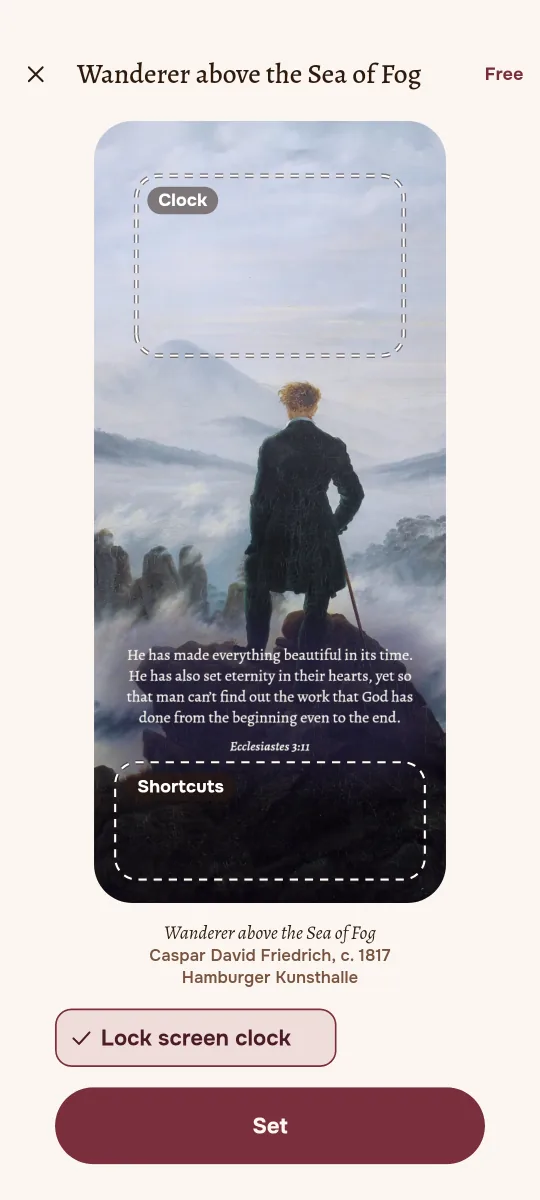
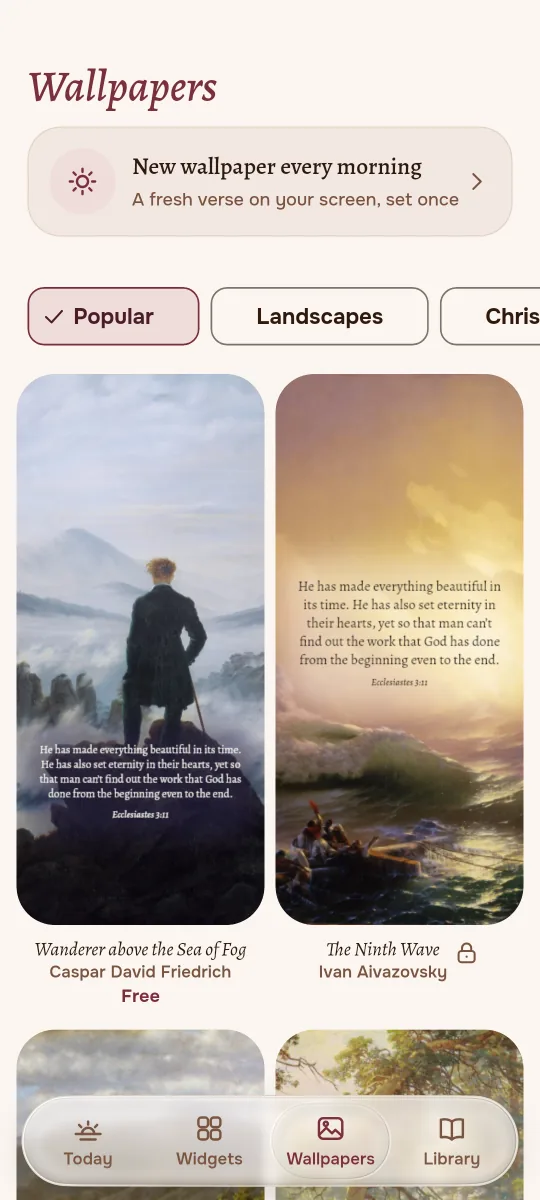
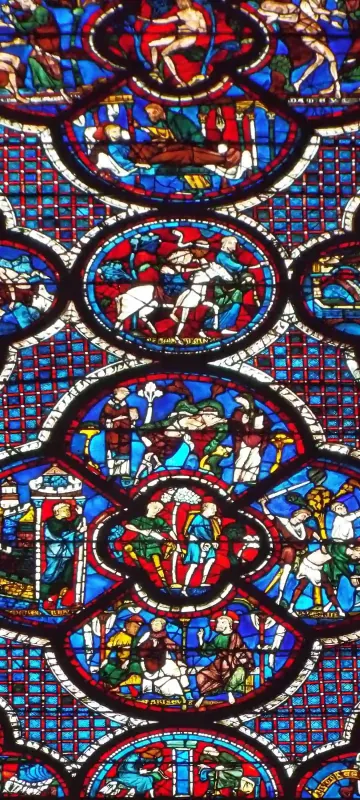
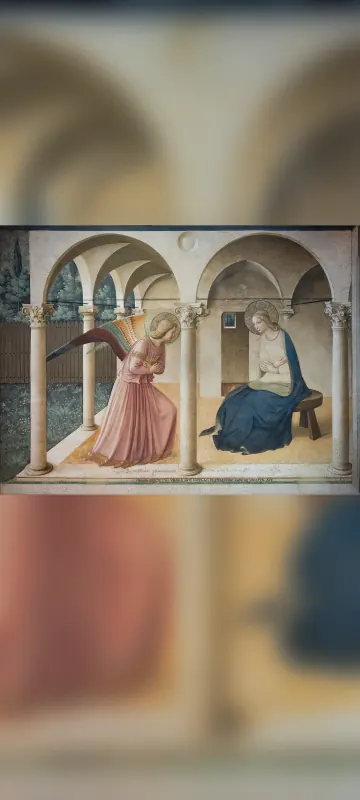
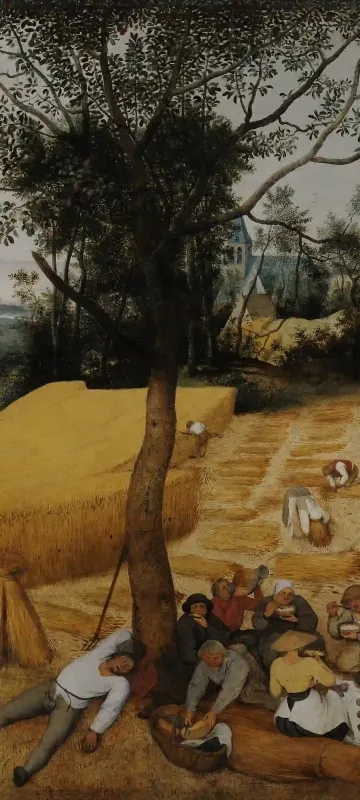
More than 120 wallpapers: landscapes, icons, frescoes, stained glass and engravings, each with its title, artist and museum.
- Today's verse on top, set in the type of an old book
- For the home screen, the lock screen or both
- With Plus, a new wallpaper every morning
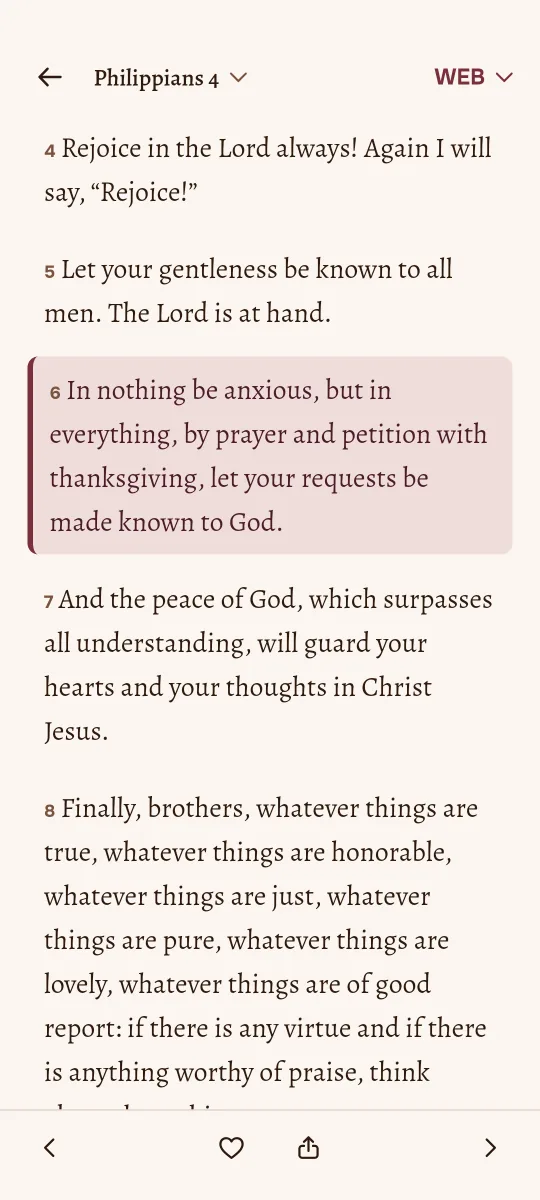
Read the verse in its chapter
Every verse opens in context. Search the Bible by words, keep as many favorites as you like and share a verse as an image.
- English: King James Version, World English Bible, WEB British Edition
- Russian: Synodal translation
- No commentary and no generated verses, only the text of the Bible
From the gallery
Old masters from the Met, the Louvre, the Vatican, the Tretyakov Gallery and other museums. All public domain, all with honest captions.







Ready in a minute
- 1
Choose a design
A painting, sepia or Glass. You see the widget with today's verse before you add it.
- 2
Put it on your home screen
Jubilate asks Android to place it for you, no long press needed.
- 3
Wake up to a new verse
It changes every morning. Tap it whenever you want to read on.
Free to use, Plus when you want more
Free
Everything you need every day
- Reading, search and favorites
- Topics and the verse of the day
- Three widget designs, Glass included
- Twelve wallpapers
Jubilate Plus
Weekly or yearly, 7 days free
- Every widget design, tint and finish
- The whole gallery of 120+ wallpapers
- A new wallpaper every morning
- 7 days free for new subscribers
Plus is billed by Google Play. You see the price before you subscribe and can cancel any time in Google Play.
Questions
Does Jubilate need the internet?
No. The Bible translations are stored on your phone, so reading and the widget work offline. The app goes online only to Google Play, for the subscription.
Do I need an account?
No. There is no sign-in. Favorites and settings stay on your phone.
Is there an iPhone version?
Not yet. Jubilate comes to Android first.
How do I cancel Jubilate Plus?
In Jubilate open Settings, then Manage subscription. Or open Google Play, tap your profile, then Payments and subscriptions. Plus stays active until the end of the paid period.
More answers on the support page.

Let the day begin with a verse
Jubilate is coming to Google Play. Questions or ideas? Write to support@jubilate.today